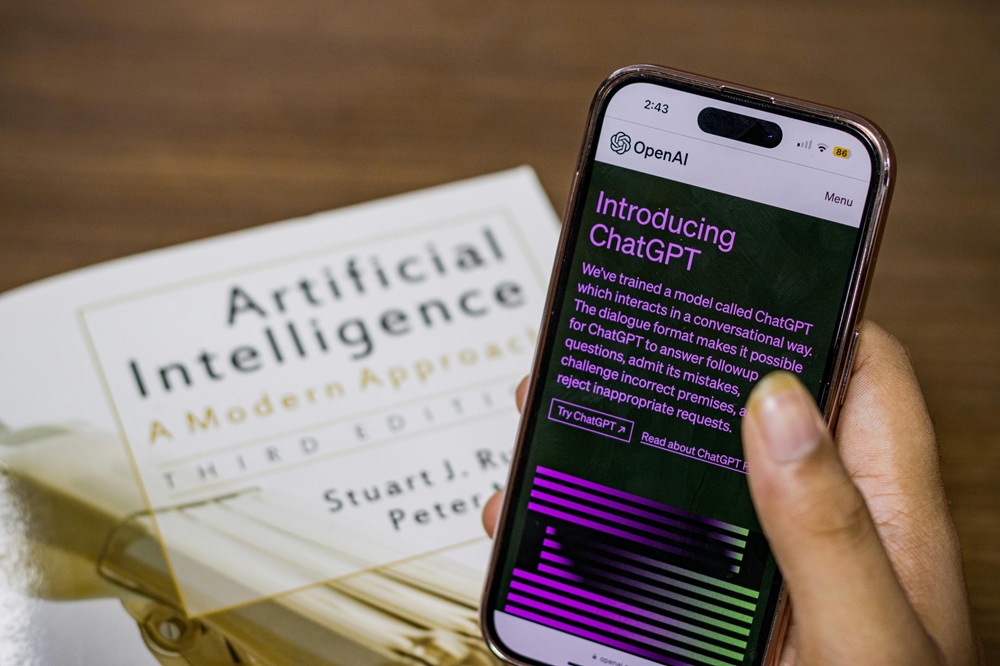

Be honest with yourself—are you using AI to its utmost potential, or just asking it to summarize PDFs and write emails?
In the current era, AI is not just a chatbot. You can use it for strategy building, meeting analysis, research assistance, content planning, or even as a decision-making partner. If you are just scratching the surface, you are missing out on serious productivity gains.
Let us explore a few powerful and trending AI productivity tips that most people still don’t know.
1. Turn AI Into Your “Second Brain” (Not Just a Tool)

Most people use AI reactively. But do you know its real power? Use it proactively.
Try this:
• Upload your ongoing projects, goals, and priorities into AI.
• Ask it to create:
- Priority rankings
- Weekly execution plans
- Bottleneck detection
- Risk analysis
Pro Tip:
Ask, “According to my goals, what should I stop doing?”
This is trending among startup founders and creators because AI spots time-wasters that you don’t even realize.
2. Use AI for Decision-Making (The Viral “Decision Matrix” Hack)

If you often struggle to choose between two options, AI can help.
Just use prompts to:
• Compare pros and cons
• Simulate outcomes 3–6 months ahead
• Create scenario analysis
• Identify hidden risks
Example:
“Act as a strategic advisor. Compare Option A and Option B considering time, ROI, stress, and long-term growth.”
You will be astonished at how quickly clarity appears.
3. AI-Powered Deep Work Scheduling (Energy Mapping)

This is currently trending on LinkedIn and TikTok. Instead of managing time, try focusing on energy.
How:
• Track when you feel most productive for 7 days.
• Feed the data to AI.
• Ask it to:
- Create your ideal deep work plan
- Batch small tasks
- Plan breaks
AI will optimize your calendar based on cognitive performance as well as availability.
4. Meeting Summaries Are Old News — Try “Action Extraction”

AI usually summarizes meetings.
Ask it for the next level:
• Assign responsibility
• Highlight unresolved conflicts
• Identify only action items
• Extract vague commitments
Upgrade your prompt like this:
“Convert this meeting transcript into clear tasks, deadlines, and follow-ups. Remove fluff.”
With this approach, your meetings will become productive rather than exhausting.
5. Use AI to Avoid Micro-Decisions

Sometimes decision-making kills productivity.
Use AI for:
• Creating meal plans that help achieve your goals
• Planning daily outfits
• Suggesting workout routines
• Creating grocery lists
These tasks seem small but removing them frees up significant mental space.
Less friction = More productivity.
6. Content and Idea Expansion (The Creator Shortcut)

Entrepreneurs, writers, and marketers are using AI to maximize their output.
Replace prompts like “Write this for me” with:
• Make this more controversial
• Improve the hook
• Add data-backed credibility
• Rewrite to increase engagement
Trending hack:
Provide your draft and ask:
“Make this 30% more compelling without making it longer.”
7. Use AI as Your Personal Learning Accelerator

Want to learn faster?
Instead of passively consuming YouTube videos or courses:
• Paste transcripts into AI and ask for:
- Real-world applications
- Key insights
- Practice exercises
- Personalized quizzes
You can also ask:
“Explain this to me as if I am an intermediate learner and skip the basics.”
This makes learning interactive rather than overwhelming.
8. The Automation Layer Most People Ignore

The real productivity leap is not using AI once—it’s connecting it.
Connect AI with:
• Task managers
• Calendars
• Email
• CRM systems
• Note-taking apps
Set up workflows like this:
Email → AI summary → Task creation → Calendar block
This is how professionals save hours of valuable time every week.
9. The 10-Minute Daily AI Review Routine

This is a simple but powerful habit.
At the end of the day, ask AI:
• What did I accomplish today?
• What are my priorities for tomorrow?
• Where did I waste time?
• What should I eliminate from my routine?
Think of it as your performance coach that is always available.
Final Thought: AI Does Not Replace You — It Multiplies You
People who lead in their fields are not just using AI—they are collaborating with it.
If you use AI as:
• A system optimizer
• A strategist
• A friction remover
• A thinking partner
You won’t just be productive—you will operate at an entirely different level.
Now I am curious to know: Are you already using AI this way, or will you start experimenting with it?